Comparing New Release Alerts, Genre Browsing, and Personalized Playlists Across Music Streaming Sites
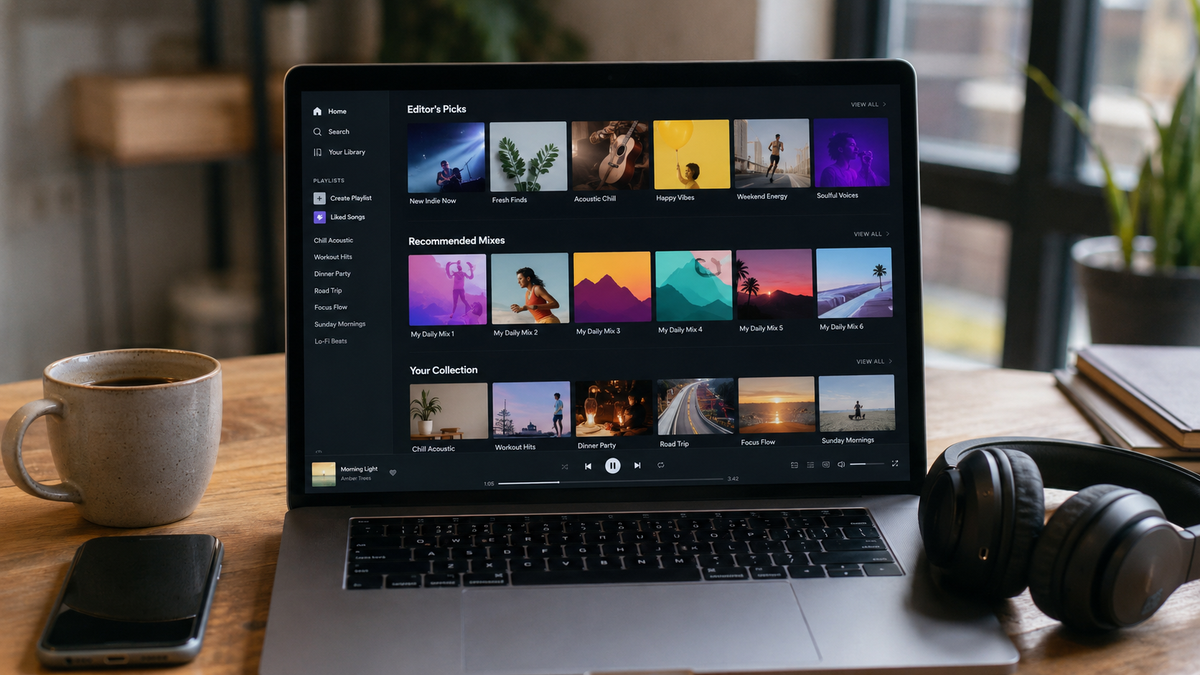
Music streaming services all promise discovery, but they do not surface new music in the same way. One service may notify you immediately when a followed artist releases an album, another may place that release into a weekly mix, and another may rely more heavily on a personalized Home screen.
Genre exploration also differs. A broad category such as rock, hip-hop, or electronic music tells you little about whether a service helps you move into a particular decade, regional scene, mood, label, or smaller subgenre. Personalized playlists create another variable because they change according to listening history, favorites, skips, and other account activity.
A useful comparison therefore needs four separate tests: how new releases reach you, how deeply genres can be explored, how recommendation lists change over time, and what happens to a song after you decide it is worth keeping.
New Release Alerts and Artist-Following Coverage
The first question is what the service means by a “new release.”
Spotify currently uses several mechanisms. Its What’s New feed includes new releases from artists a listener follows, and Spotify states that those releases appear there as soon as they become live. The feed keeps only a limited recent history, so it works more like an active update inbox than a permanent discography archive.
Spotify also maintains Release Radar, which updates every Friday. The playlist can contain music from artists the listener follows, artists they have listened to, and other artists Spotify predicts they may enjoy.
These two features serve different purposes.
What’s New is better when the question is: “Did an artist I deliberately follow release something?”
Release Radar is broader: “What new music is relevant to my listening profile this week?”
Spotify also allows users to manage email and push-notification categories through account notification settings.
Apple Music uses Favorites more directly. Apple states that subscribers who mark an artist as a favorite can receive notifications when that artist releases new music. On iPhone and iPad, New Music notifications can be turned on or off in Music notification settings.
This provides a relatively clear artist-following workflow:
favorite artist → new release → Apple Music notification
YouTube Music has configurable notification settings, and users can turn individual notification categories on or off inside the app. However, its public help documentation does not provide the same simple guarantee that every followed artist release will generate a release-day alert. For someone who cannot afford to miss a specific album launch, it is safer to combine notifications with the artist page and New Releases area instead of depending on one push alert.
A useful real-world test is to follow five artists with known upcoming releases and record:
| Service | Release visible on release day | Push alert received | Weekly mix appearance | Alert can be disabled |
|---|---|---|---|---|
| Spotify | Check What’s New | Depends on notification settings/features | Release Radar Friday | Yes |
| Apple Music | Check artist/New | Favorite-artist notification supported | Personalized recommendations | Yes |
| YouTube Music | Check artist/New Releases | Notification categories available | Personalized mixes | Yes |
Do not assume that “following” has identical consequences on every platform.
Genre, Era, Mood, and Scene Exploration
Broad genre categories are useful for starting a search but poor for judging how much discovery depth a service provides.
Spotify's search tools currently support genres and moods and also allow advanced search combinations such as genre and year. Its documented search syntax includes filters for year, genre, label, artist, album, and recent releases. For example, a listener can combine a genre with a particular year instead of browsing one large category containing several decades of music.
That makes Spotify useful when the listener already knows the direction:
genre → decade/year → label or artist
Apple Music takes a more curated browsing approach. Its New and genre-browsing areas provide genres, new releases, charts, playlists, albums, artists, and radio selections chosen for those sections. Apple also allows charts to be narrowed by genre.
YouTube Music's Explore structure includes New Releases, Charts, and Moods & Genres, while its Samples feed presents short personalized music-video segments from both newer releases and older catalog material.
None of these structures guarantees equal treatment of small artists.
If the goal is to find music beyond major releases, test the same category on each service. For example, choose Korean indie rock, 2000s Japanese electronic music, Detroit techno, or contemporary Vietnamese R&B.
Open the first twenty or thirty recommendations and note:
- number of artists already familiar to you
- number of repeated major artists
- number of newly released tracks
- number of independent or less familiar artists
- whether the selection stays within the stated genre
- whether you can narrow it by era, region, mood, or another useful qualifier
This is more informative than counting how many genre buttons the app displays.
A service can have hundreds of category pages and still keep returning the same popular artists. Conversely, a smaller category system can be valuable if its playlists consistently expose artists outside the mainstream.
Personalized Playlist Update Patterns
Personalized playlists should be judged by how they change, not by how good they look on the first day.
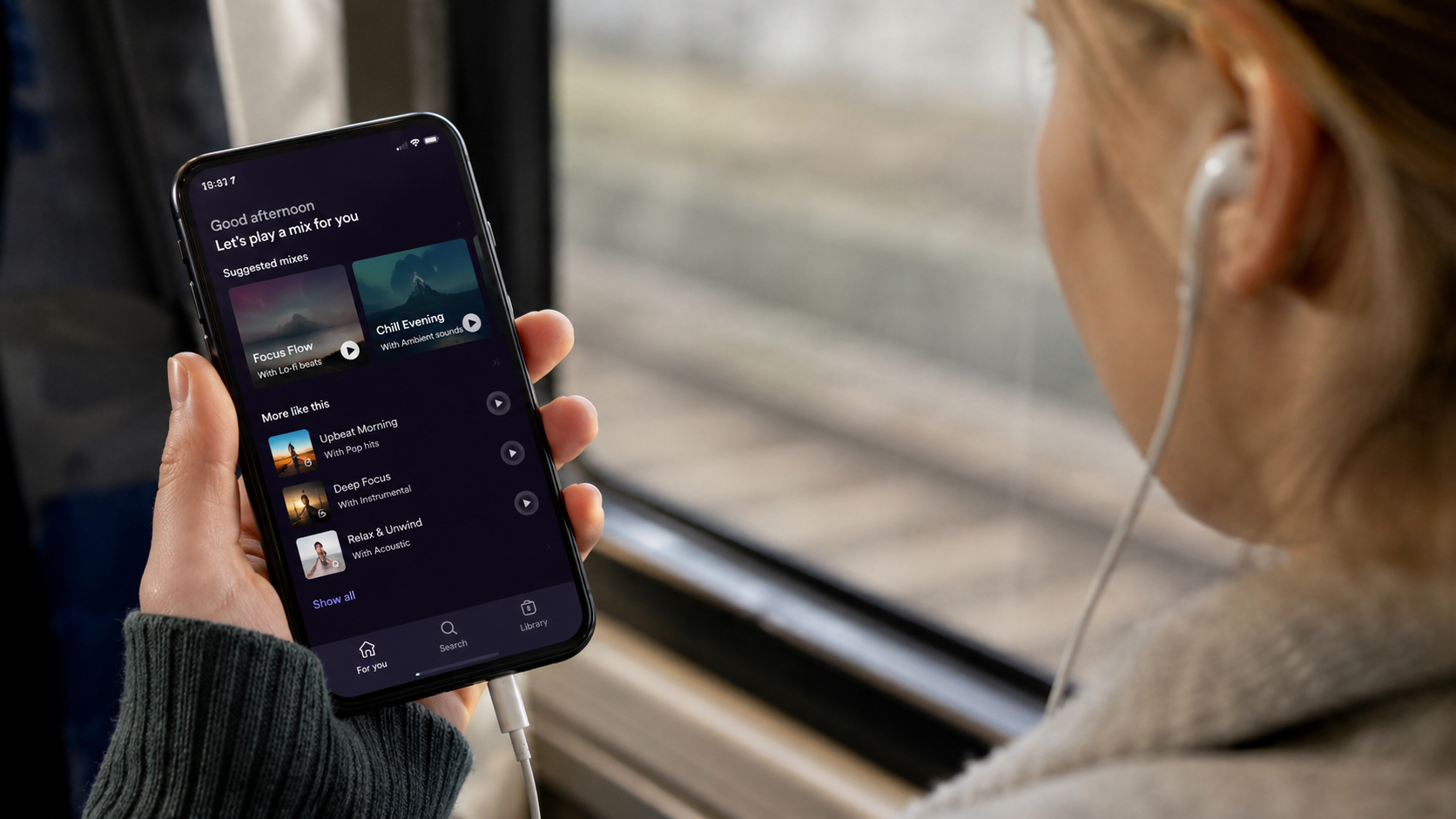
Spotify Mixes are currently based on artists, moods, genres, and decades a listener enjoys. Spotify says that the more a person listens, the more frequently those mixes update.
That is different from Release Radar, whose update schedule is specifically every Friday.
YouTube Music provides another clearly documented cycle. Its personal mix uses recent top artists and songs and currently updates daily.
Apple Music does not publish one universal daily or weekly refresh interval for every personalized recommendation. Instead, Apple explains that recommendations are influenced by preferences, favorites, listening history, and feedback such as Suggest Less.
This difference matters when testing whether a recommendation engine is responding to new behavior.
Do not play three unfamiliar albums on Monday and conclude on Tuesday that a service ignores your taste because its recommendations have not completely changed. Different recommendation surfaces update on different schedules.
A useful two-week test is:
Day 1: record the first 20 tracks in the main personalized mix.
Days 1–7: intentionally listen to and save music from one new genre.
Day 8: compare how many new artists appear.
Days 8–14: like, favorite, or skip tracks consistently.
Day 15: compare again.
The result shows whether the service is reacting to deliberate listening rather than simply cycling its usual catalog.
Shared Accounts, Sleep Music, and Distorted Recommendations
Personalization becomes much less useful when one account represents several unrelated listeners.
Suppose the primary listener normally plays indie rock, jazz, and hip-hop, but someone else uses the same account every evening for children's music. The resulting recommendation profile can represent both behaviors.
Sleep playback creates a similar problem. Eight hours of ambient sounds every night can become a very large portion of account listening history even if the user does not want ambient music dominating daytime discovery.
Spotify provides a direct tool for this situation. A playlist or track can be excluded from the taste profile, and Spotify specifically gives nightly sleep music as an example. Past and future plays from excluded content have less influence on personalized recommendations such as Discover Weekly.
Apple Music offers a different solution. Users can turn off Use Listening History so that those plays do not influence new-music recommendations and Replay. Apple even suggests using a custom Focus for situations where another family member temporarily uses the device and their music should not change the owner's recommendations.
YouTube Music allows watch history to be paused. When paused, the played material is not used to improve recommendations.
This is worth setting before starting an eight-hour sleep playlist, not after weeks of recommendation drift.
Saving Songs From Recommendations
Discovery has little long-term value if the useful tracks cannot be separated from a playlist that will change tomorrow.
Spotify allows recommended songs to be saved into user playlists, including recommendations displayed beneath playlists the listener creates. Premium subscribers can also download songs, albums, and playlists for offline listening, subject to Spotify's offline-access rules.
Apple Music allows recommended songs, albums, and playlists to be added directly to the library. Items added to the library can then be downloaded for offline playback with an active Apple Music subscription.
There is one useful detail with Apple-curated playlists: adding a playlist to the library does not automatically make every track a permanently separate library entry. Apple states that a saved Apple Music playlist continues to update when its owner changes it, while the individual tracks are not automatically added to the user's Songs list.
For a song you definitely want to keep track of, add the song itself or move it into a personal playlist.
YouTube Music also supports library and playlist saving, and its Samples discovery interface provides controls for moving discoveries into the user's listening collection.
The practical rule is simple:
recommendation playlist = discovery surface
personal playlist/library = retention layer
Do not use a changing recommendation list as the only record of music you want to find again.
Playlist Transfers Between Music Services
Changing streaming services creates another problem: saved playlists may not transfer exactly.
As of 2026, Apple Music supports transferring music and playlists from supported third-party services directly into Apple Music. Apple explains that the transfer process matches items against the Apple Music catalog and may ask the user to review alternatives when an exact version cannot be found. The original service's library remains unchanged.
Apple also provides an official route for transferring user-created Apple Music playlists to YouTube Music. Only playlists the user created are transferred; curated playlists, music files, podcasts, audiobooks, and unavailable catalog items do not necessarily move.
This explains why a 200-song playlist can become a 193-song playlist after migration.
A song may be:
- unavailable on the destination service
- listed under a different edition
- replaced by a remaster or live version
- regionally unavailable
- matched incorrectly and require review
NAVER VIBE offers an unusual alternative for importing. Its current help documentation describes a playlist-import function that can analyze a screenshot of a playlist and use it to build a playlist inside VIBE.
That can be useful when a direct service-to-service transfer is unavailable, but a screenshot-based reconstruction still needs to be checked afterward for incorrect or missing matches.
Missing Songs After Saving
Saving a song does not guarantee that the platform will license it forever.
If a label removes an album, a regional licence changes, or a particular edition is replaced, the saved playlist can contain an unavailable track or a different catalog version.
This is another reason not to evaluate a music service only by the number of songs in its catalog.
After building an important playlist, occasionally scan for unavailable items. When transferring between services, also inspect alternate matches rather than accepting every automatic substitution.
For historically important or hard-to-find releases, record the artist, album, release year, and version rather than relying only on the playlist position. A remaster and original master may have the same song title while being different releases.
Offline download does not eliminate this distinction. Subscription downloads remain tied to the streaming catalog and account conditions.
Discovery Testing by Actual Listening Goals
A useful comparison between music services can be completed over two weeks without trying to judge the entire catalog.
Choose three goals:
Artist tracking: five artists whose new music you do not want to miss.
Genre expansion: one genre or regional scene that you know poorly.
Personalization: one deliberately different listening pattern.
Then record what happens.
For artist tracking, check whether releases appear immediately, through notification, or only inside a weekly mix.
For genre exploration, count how quickly the service moves beyond famous artists and whether you can narrow the search by era, mood, year, label, or other useful context.
For personalization, record the original mix and compare it after a week of intentional listening, favorites, and skips.
Finally, save ten discoveries to a personal playlist and test how easy it is to download or transfer that playlist elsewhere.
The most useful service is not necessarily the one with the largest number of recommendation features.
For someone following particular artists closely, reliable new-release alerts may matter most. For a listener exploring obscure scenes, search depth and user-curated collections can be more valuable. For someone who wants music without making decisions, frequently refreshed personalized mixes may be the deciding feature.
The practical comparison is:
new-release coverage → genre depth → personalization cycle → history controls → library saving → offline access → playlist portability
Those seven points show far more about a streaming service's discovery experience than the number of playlists displayed on its Home screen.