Account Data Exposed by External Stream Chat Links
Watching a live stream on Twitch, YouTube, or Kick is an interactive social experience. Chat boxes move rapidly as viewers share reactions, clip links, giveaway forms, and Discord invite URLs. It is very easy to click on a shared link without thinking twice, assuming that staying inside your web browser keeps your personal information safe.
Unfortunately, simply clicking an external link exposes your data instantly, even if you never type a password or fill out a form. External websites automatically read your network connection details, browser fingerprint, and embedded tracking tokens the moment the page loads. Understanding what data gets exposed when you click a chat link helps you recognize dangerous web prompts and protect your online accounts from hijackers.
Data that gets leaked the moment you click a link
When you click an external link dropped in a live chat, your web browser initiates a direct connection to the destination server. This technical handoff automatically transmits several pieces of personal data.
IP addresses and browser fingerprints captured by web servers
The moment a webpage loads, the destination server records your public IP address. Your IP address reveals your general physical location (country, city, and internet service provider).
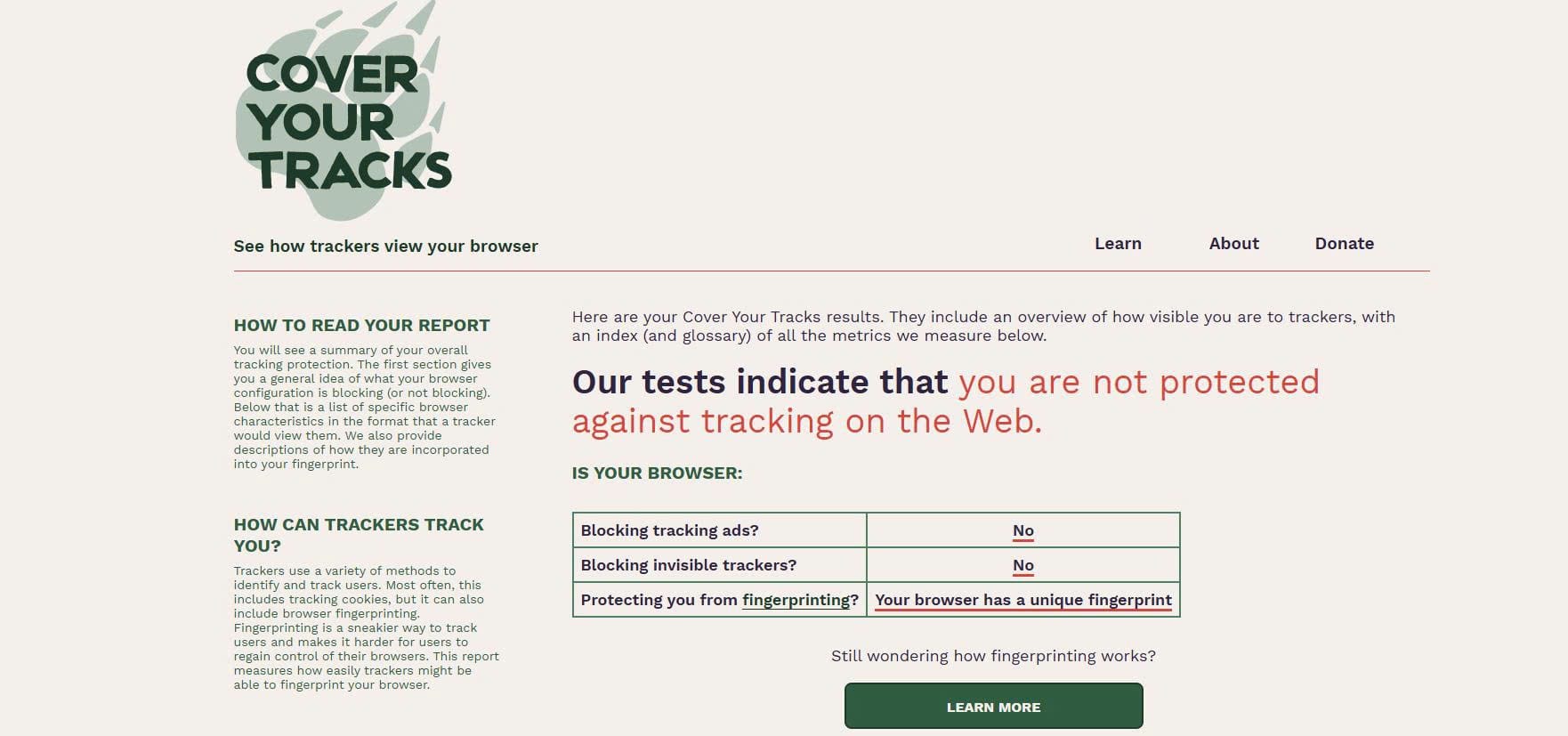
Additionally, web servers collect your browser fingerprint. This includes your operating system version, browser type, screen resolution, installed fonts, and graphics hardware details. While a single piece of device data seems harmless, combining these technical data points creates a unique digital fingerprint that data tracking networks use to identify your specific device across different websites.
Referral tags and tracking tokens embedded inside the link
Scammers and automated chat bots frequently share customized links containing embedded tracking parameters (such as ?utm_source=stream_chat or ?ref_id=12345).
When you click a link with a custom tracking code, the destination website reads that parameter and links your visit directly to the specific chat room or user account that generated the link. If you are already logged into a social media account on that browser, ad trackers can connect your real-world identity to your chat activity.
A quick guide to data risks and prevention steps
To quickly understand what data gets exposed when clicking stream chat links and how to block potential leaks, use this simple reference guide:
Dangerous requests on external websites that require immediate exit
While passive data leaks happen automatically, the most severe security threats require you to interact with the destination webpage. Knowing which requests are dangerous helps you exit bad sites before damage occurs.
Fake login pages and account connection prompts
The most common threat found in stream chats is credential harvesting. A link might lead to a page that looks identical to Twitch, Discord, or Steam, displaying a pop-up that says, "Log in to claim your free channel points" or "Connect your account to join the giveaway."
Legitimate external websites never require you to re-enter your streaming account password on an external domain. Furthermore, be extremely cautious of fake OAuth prompts. If an external site asks for permission to "Access your account details, manage your channel, or join servers on your behalf," close the window immediately. Granting these permissions gives scammers control over your profile.
Notification requests and automatic file download pop-ups
When landing on an unfamiliar site, watch out for browser permission prompts asking to "Show Notifications." Malicious sites use notification permissions to spam your desktop with fake virus alerts and intrusive ad pop-ups even after you close the website.
Additionally, if clicking a link immediately triggers an automatic file download (such as a .exe, .scr, or .zip file claiming to be a "stream clip" or "game mod"), do not open the file. Delete the downloaded file from your computer immediately without running it.
Recovery steps if you already clicked a suspicious link
If you clicked a suspicious stream chat link and suspect your computer or account security was compromised, taking fast action will minimize the damage.
Password resets and multi-factor authentication setup
If you entered your password on a fake website, open a new browser tab, go directly to the official platform website, and change your password immediately. If you reuse that same password on other websites (like your email or bank account), change those passwords as well.
Enable Two-Factor Authentication (2FA) using an authenticator app (like Google Authenticator) rather than SMS text messages. 2FA ensures that even if a scammer steals your password, they cannot log into your account without physical access to your phone.
Session revocation and active device cleanup
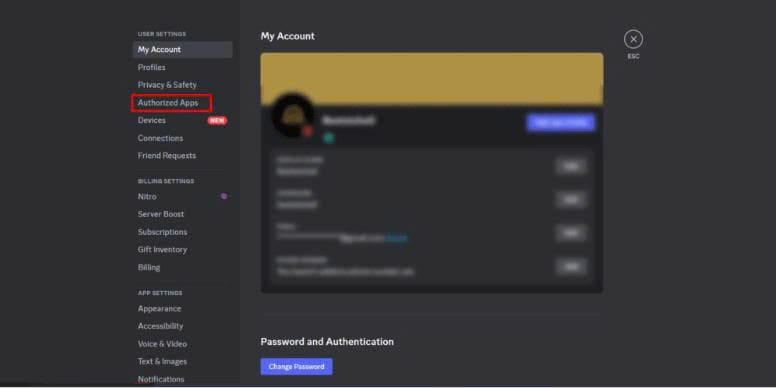
If you authorized an unfamiliar third-party app or entered your details on a fake site, log into your official account settings and navigate to the "Security" or "Connections" menu.
Look for a list of active devices and connected third-party applications. Click "Log out of all devices" or "Revoke access" for any app or session you do not recognize. This instantly severs the scammer's access and invalidates their stolen session cookies. Finally, run a full system scan with your antivirus software to ensure no malicious files were installed on your computer.